Always paying attention
A lightweight background service checks the connection even when everything appears normal.

Connection intelligence, measured at your home
InternetHealthIQ watches the layers that matter, keeps the detailed evidence local, and helps show whether the problem is your computer, your network, or your ISP.
Windows preview
The Windows 10/11 installer is digitally signed and timestamped by Sky Power Services LLC. Verify the publisher and SHA-256 before installing. A signature identifies the publisher; it is not a guarantee that software is risk-free.
Download InternetHealthIQ ↓The problem
Short outages disappear before support can see them. Speed tests miss the pattern. Router lights tell only part of the story.
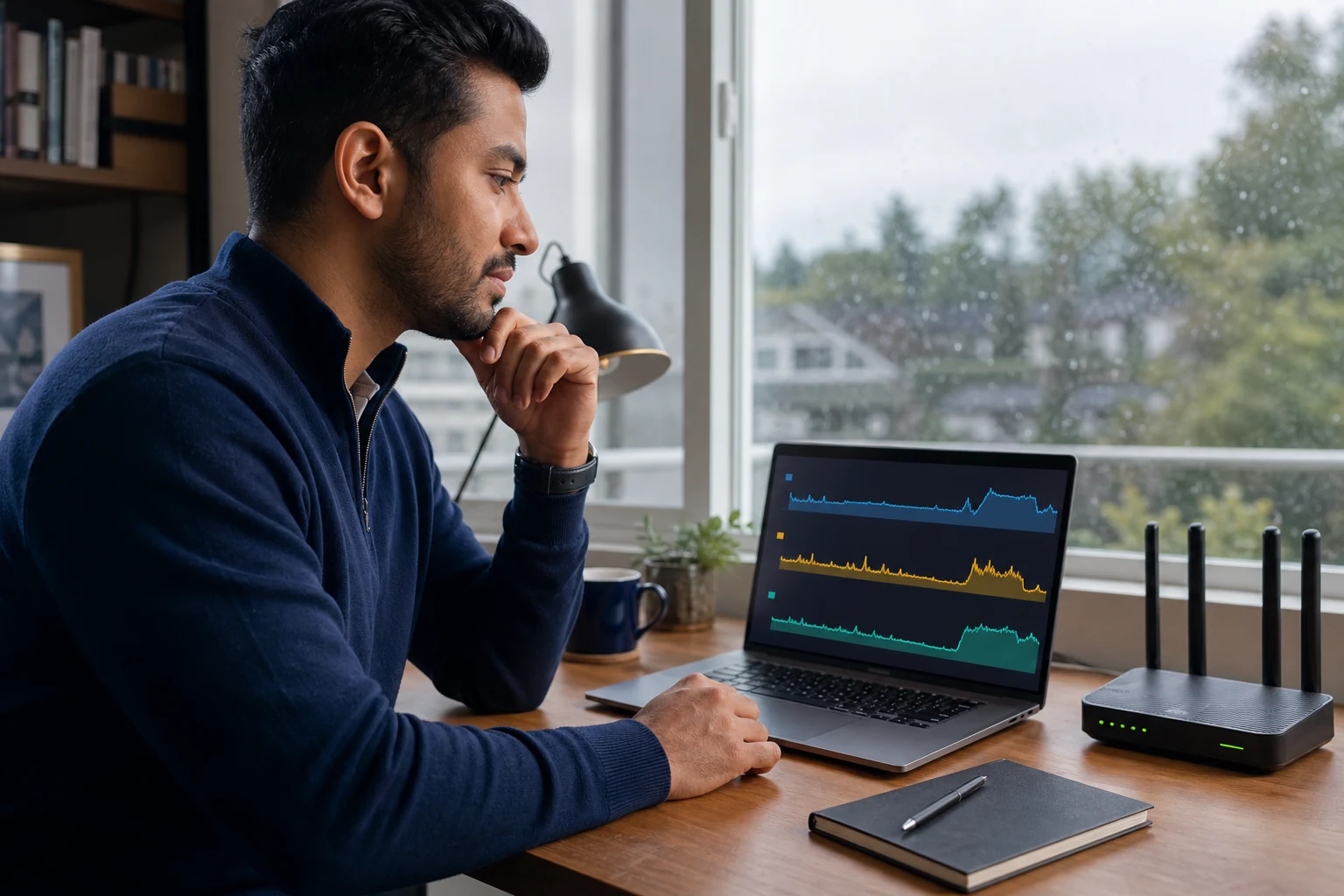
InternetHealthIQ measures continuously from your Windows computer. It separates link, gateway, DNS, route, packet-loss, latency, and public-internet evidence, then preserves a compact, time-aligned record you can actually use.
A lightweight background service checks the connection even when everything appears normal.
High-resolution evidence stays on your computer in compressed, size-capped storage.
Small anonymous summaries help distinguish trouble at one house from a neighborhood or ISP problem.
A clear timeline shows what failed, what remained reachable, and when service recovered.
Built for the support call
See recurring loss, DNS failures, route changes, loaded latency, modem health where available, and the exact duration of an interruption. Export a readable incident record instead of relying on memory.
A sample dashboard
The example below is fictitious, but every field represents evidence the Windows monitor is designed to collect.
Normal browsing and DNS response
NormalBoth ISP-assigned DNS servers stop answering
FailedGateway, modem, and direct internet controls still respond
PassedCloudflare and Google DNS controls answer normally
PassedTemporary public-DNS workaround restores browsing
WorkaroundISP-assigned DNS recovers and remains stable
RecoveredIllustrative case history
Composite scenario, not a claim about an actual Comcast support interaction.
A home office repeatedly lost websites while the modem continued to show a healthy connection. Reboots helped only sometimes. A conventional speed test could not run during the event and looked normal afterward.
InternetHealthIQ isolated the failure to the DNS servers assigned to the connection. The gateway, modem, direct internet path, and independent DNS controls all remained reachable. A temporary resolver change restored service immediately.
From 9:14:07 to 9:31:44 ET, both assigned resolvers failed over UDP and TCP. Gateway loss remained 0%, direct HTTPS controls passed, and 1.1.1.1 and 8.8.8.8 answered normally. Two nearby Comcast observations show the same window. Please route this as a DNS resolver incident rather than a premises signal or Wi-Fi issue. Evidence summary attached.
That gives support something specific to forward. The customer is back online with a safe workaround, the ISP gets a bounded fault window, and nobody has to wait days for an onsite visit to inspect healthy premises equipment.
Simple pricing
Start with 30 days free. No payment card required.
Monthly
Annual
ADSBiq contributor
Local safety and outage monitoring will never be shut off because billing or the internet cannot be reached.
A different way to pay
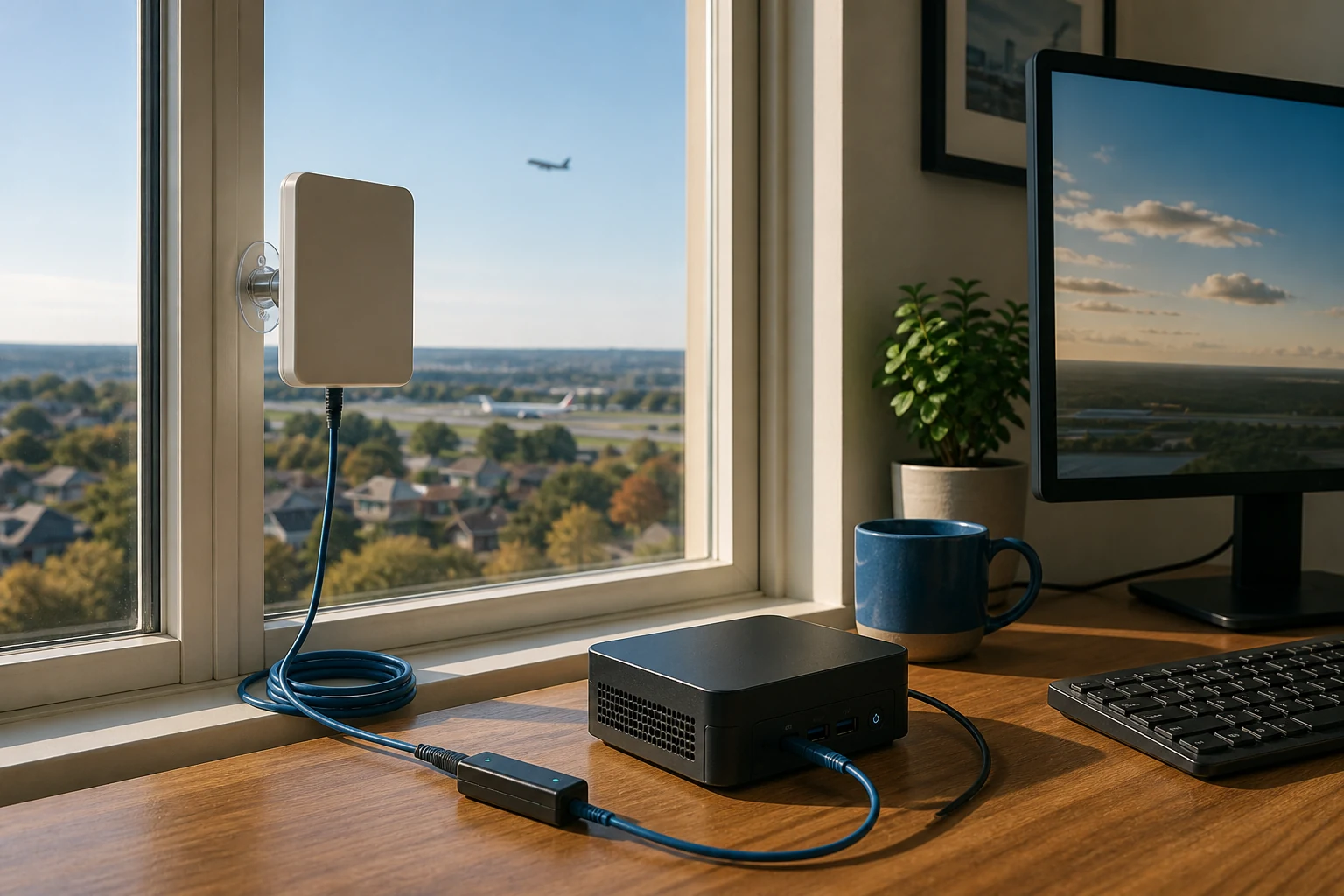
Aircraft publicly broadcast position signals over the air. Connect a compatible USB receiver and FlightPatch can contribute those broadcasts near you to ADSBiq. A geographically distinct receiver improves coverage and track continuity, so we waive your InternetHealthIQ fee while it remains active.
How it behaves on your PC
Connections begin on your computer and use encryption. Nothing opens your PC to the public internet.
The service runs at low priority with firm limits on storage, bandwidth, memory, and processor use.
We publish the fields sent in each summary, how long they are kept, and when they are deleted.
Pause or remove InternetHealthIQ and FlightPatch separately. Choosing one never quietly installs the other.
Straight answers
No. It measures connection behavior and aggregate operating-system counters. It does not capture payloads, browsing history, or destinations.
Measurement and the local Windows status interface continue offline. Summaries queue locally and retry later.
Internet monitoring works without a radio dongle. The installer includes the SDR driver and ADSBiq feeder service; compatible USB receivers can activate automatically. Each simultaneous radio band needs its own receiver and suitable antenna.
Yes, as an early digitally signed Windows preview. The first release provides support-ready evidence and a guided ISP-filing workflow.
Windows preview
Windows 10 + 11 · 30-day trial · No card required
Download now ↓